
Technical articles and case studies
Beginner's guide to using a two-way radio
A practical starter guide covering two-way radio controls, powering on, matching channels, push-to-talk operation, half-duplex etiquette and shutting down properly.
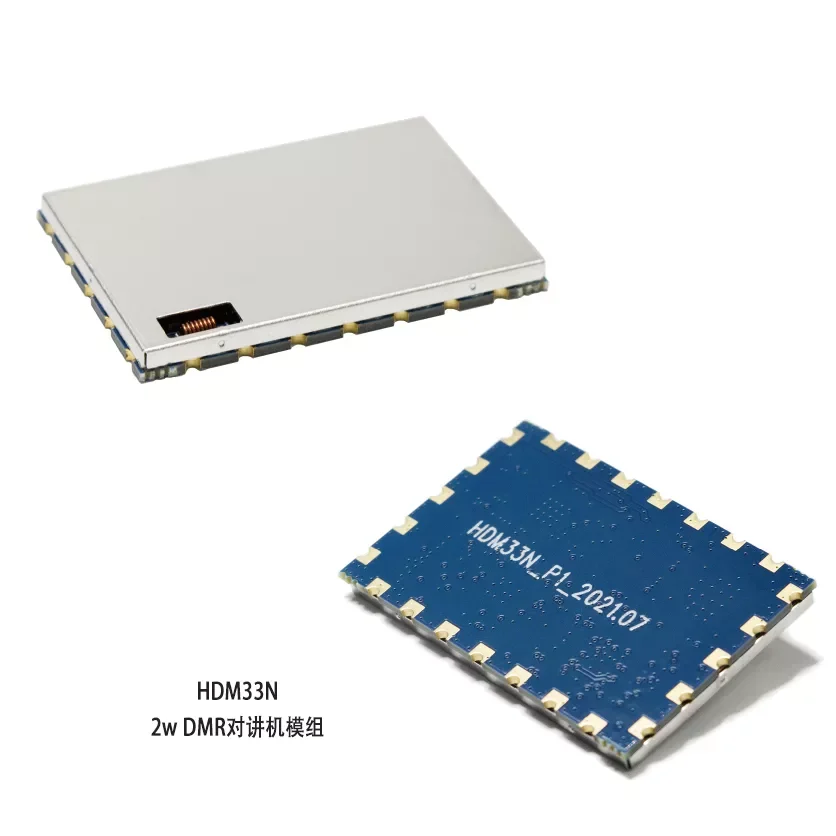
Picking up a two-way radio for the first time can feel unfamiliar, but the controls are straightforward. Follow the basic steps below to start communicating reliably with your team.
Part 1: Getting to know your radio
Take a moment to locate the main parts before powering on:
- Antenna: Transmits and receives radio signals and directly affects call quality. Always verify that the antenna is screwed on tightly before use.
- Power/Volume knob: Typically the larger of the two knobs on top. Turn clockwise to switch on and increase volume; turn counterclockwise to lower volume and power off.
- Channel knob: Selects the active channel. To talk with teammates, everyone must be set to the same channel.
- PTT (Push-to-Talk) button: The main control button, usually the largest button on the side of the radio.
- Hold: Transmit / speak
- Release: Receive / listen
- Microphone and speaker: Usually positioned on the front face of the radio for voice pickup and playback.
Part 2: Making a call
- Listen before you speak: Check that the channel is clear so you do not interrupt an ongoing call.
- Press and hold the PTT button: Decide what you want to say, then firmly press and hold the side PTT button.
- Pause for one second before speaking: Wait roughly 1 second after pressing PTT before starting to speak so your opening words are not clipped during signal setup.
- Speak clearly: Hold the microphone about 5–10 cm from your mouth and speak at a normal, clear pace—there is no need to shout.
- Release the PTT button immediately: As soon as you finish speaking, release the PTT button so the radio returns to receive mode and you can hear the reply. Two-way radios operate in half-duplex, meaning you cannot talk and listen at the same time.
Powering off
When finished, turn the Power/Volume knob fully counterclockwise until it clicks and the indicator light switches off to save battery power.
Part 3: Radio etiquette and practical tips
- Be concise: Radio channels are shared—keep transmissions short, clear and to the point.
- Identify yourself: Start by stating who is calling and who you are addressing, for example: "Logistics calling Team Lead, supplies have arrived. Over."
- Use standard acknowledgements: Say "Copy" or "Roger" to confirm you understood, and "Over" when you finish speaking so the other party knows it is their turn to reply.
- Allow brief pauses: Give the signal a moment after pressing PTT, and allow the other side a moment to respond after you release it.
Quick summary
Charge the battery and tighten the antenna -> power on and set volume -> match channels with teammates -> hold PTT to speak -> release immediately to listen. With a little practice, operating a two-way radio becomes second nature.